
| PC Classes : Paint NET 09-Fix Redeye |
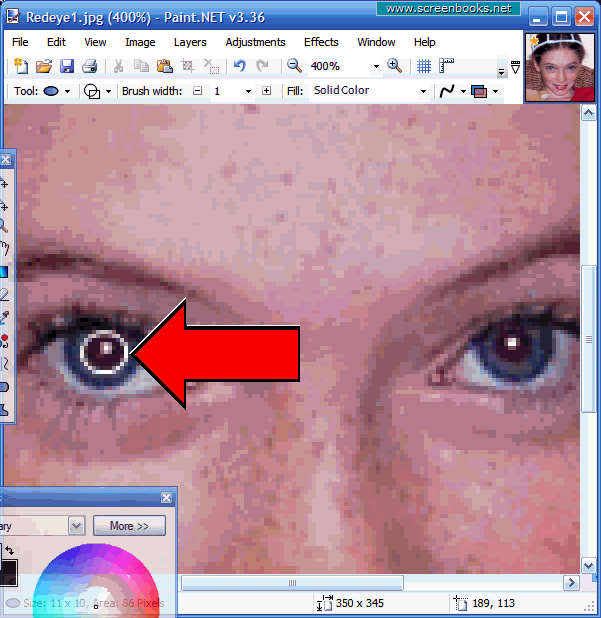
Select One Pupil
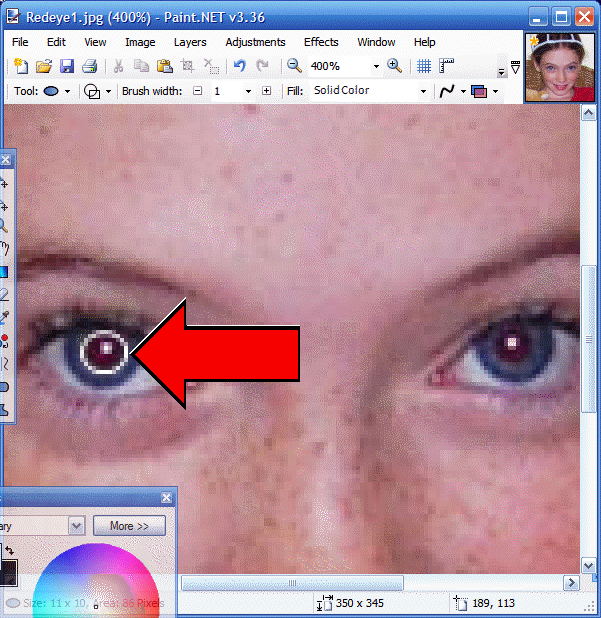
Put your cursor on the upper left corner of the pupil, slightly away from the pupil, and then depress the left mouse button, and "drag" the oval select over the pupil, so that the red portion is within the oval. Use the example below as a guide. The actual select lines are black, but I used white in the example below for greater clarity.
|
| 1 2 3 4 5 6 7 8 9 10 11 12 |
7 of 12